
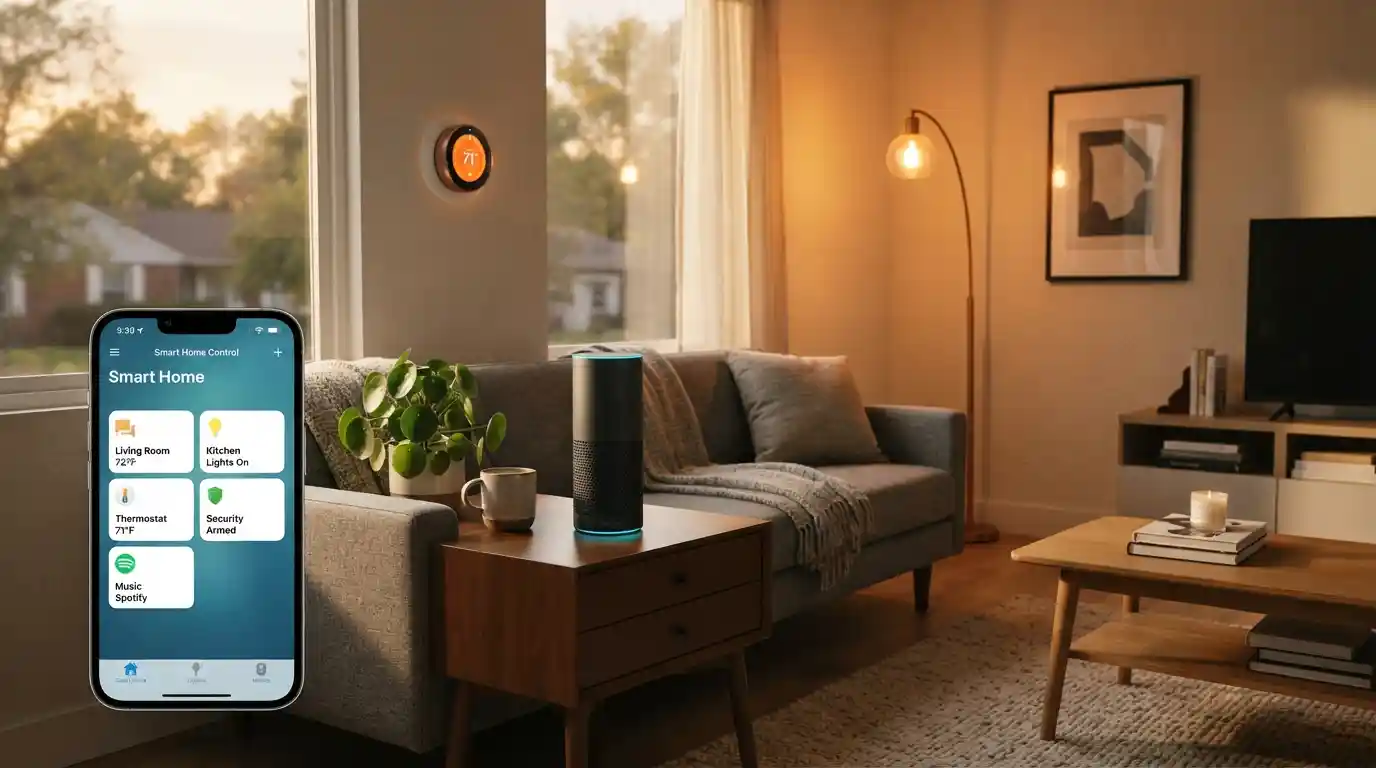

I watched a couple spend about eight hundred dollars on smart home devices over a six-week period and end up with a system that was genuinely harder to use than the dumb switches it replaced. Four apps on two phones, two hubs sitting on the kitchen counter neither of which was quite doing what the other couldn’t, a video doorbell running its own separate ecosystem, and a thermostat that had its own app which didn’t communicate with anything else at all. The speaker played music. That was about the extent of it.
That setup problem is more common than the industry likes to admit, and it almost always starts in the same place: buying devices before deciding on an ecosystem. Smart home installation that actually works starts with a single decision made before any purchase happens which platform is going to be the foundation of the system? Once that’s settled, every device, every hub, every protocol choice either fits into it or it doesn’t, and the ones that don’t are the ones that end up sitting in a drawer six months later.
Choosing the Right Ecosystem Before You Touch a Device
Amazon Alexa, Google Home, and Apple HomeKit are where most people end up, and none of the three is objectively the best choice. The right one is whichever already reflects how the household runs. That’s the answer I give every time someone asks, and it’s the only honest one.
Alexa covers the most ground in terms of third-party device compatibility, and the voice command vocabulary for home automation is more developed than either competitor’s. For a household already living inside Amazon’s world, Echo hardware on the shelves, Fire TV on the wall, Prime built into the weekly shopping routine, adding Alexa as the smart home backbone creates almost no friction at all.
Google Home belongs in households built around Android and Google accounts, where the assistant’s calendar awareness, location tracking, and broader AI intelligence start doing things that go well past switching lights on and off remotely. HomeKit takes the opposite approach on privacy, processing most automation locally rather than routing it through the cloud, but that comes at the cost of a substantially narrower device selection and a setup that works best for households already deep into the Apple ecosystem rather than sitting on the edge of it.
The protocol question sits underneath all of this and catches more people off guard than the ecosystem choice itself. Z-Wave and Zigbee are the two mesh networking standards that most smart home devices use to talk to each other Z-Wave Plus extends the range and improves the battery efficiency of the older standard. Wi-Fi connected devices are the easiest to get started with but add congestion to the home network fast once you’re past a handful of bulbs.
Matter changed the landscape when it finally arrived: built collaboratively by Amazon, Google, Apple, and Samsung SmartThings as a shared standard, a Matter-certified device works across all four major ecosystems without the compatibility headaches that made earlier smart home setups such a headache to troubleshoot. Thread runs as the low-power wireless layer underneath Matter specifically for battery-operated devices, solving the battery drain problem that came with connecting everything directly to Wi-Fi.
A Homey Pro or a SmartThings hub sitting at the centre of the setup handles multiple protocols at once and gives the whole system a local fallback that doesn’t need the internet to function. Most people don’t think about that until the first time the router drops mid-evening and every light in the house goes unresponsive.
What Smart Home Installation Actually Costs at Each Level
There’s a wide range between the entry point and the ceiling, and knowing what drives the cost at each level is what stops people from either underspending on something that won’t scale, or overspending on features they’ll never actually use.
A genuine starting point a smart speaker, two or three smart bulbs, a plug or two sits well under $200 and goes together in an afternoon for most people. Bulbs cost $8 to $25 each; plugs run $10 to $40. The smart thermostat is the device at this level that delivers the most measurable return, at $70 to $280 on its own and $200 to $500 once installation is factored in it starts pulling money back from the energy bill almost immediately, which makes it easier to justify than most smart home purchases.
Mid-range smart home installation covering multiple rooms with smart lighting, a video doorbell, indoor and outdoor security cameras, a smart lock, and a central hub typically runs $800 to $2,500 all in. Individual cameras sit at $50 to $350, or $125 to $450 once professional installation is included. Smart locks replace a standard deadbolt with keyless entry and remote phone control, and cost $100 to $300 each temporary access codes for a tradesperson or cleaner are the feature most people use far more than they expected to. A premium control hub that manages everything from one interface costs $300 to $900.
Professional whole-home smart home installation from a specialist runs $2,000 to $4,000 for most properties and climbs above $10,000 for heavily customised setups. Hourly rates for home automation professionals run $50 to $150. The pre-installation assessment, which some homeowners skip to save the $75 to $300 fee, tends to pay for itself by revealing whether the existing Wi-Fi infrastructure and wiring can actually support the planned system before any devices are purchased. In period properties and older homes, rewiring alone runs $2,000 to $4,000 and can go considerably higher in larger houses.
A Manchester household that fitted a smart thermostat and smart lighting system trimmed its energy bills by 15 percent in the first full year. That figure is consistent with broader 2026 market data showing roughly 30 percent ROI over two years when heating, lighting, and insurance savings are all counted together. The insurance discount is real and worth checking specifically home insurers are currently offering 5 to 10 percent reductions on homeowners premiums for properties with professionally monitored security systems. On the subscription side, monthly security monitoring runs $10 to $40, and camera cloud storage adds another $5 to $20 per month depending on the number of cameras in the system.
Room by Room: What Actually Makes Sense to Automate First
The entry points that deliver the most immediate, practical return are the front door, the thermostat, and the lighting, in that sequence. Not because they’re the most technically exciting, but because they solve the friction points that come up every single day rather than occasionally.
A video doorbell and smart lock together change the daily experience of deliveries, contractors, and guests immediately. Rather than offering a polished brand comparison, the honest version is: Ring, Nest, and Blink all work, all cost $50 to $350 for the doorbell unit, all give you motion alerts and two-way audio from a phone, and the main differentiation is which ecosystem they integrate with most cleanly. The smart lock on the same door, paired directly with Alexa, Google Home, or HomeKit depending on the household, handles the rest without needing additional hardware in most cases.
The smart thermostat is where the energy efficiency case for the whole project actually lands in practice. Learning thermostats build a schedule around how the household actually behaves over the first few weeks, adjust based on whether people are home via geofencing, and integrate with smart ceiling fans and air conditioning in a broader smart HVAC setup when the budget allows. The thermostat alone handles the majority of the saving before any of that additional hardware is added.
Smart lighting is a room by room decision rather than a whole-house one, and smart light switches at $25 to $60 are more cost-effective at scale than individual smart bulbs because one switch covers the entire circuit rather than requiring a bulb replacement in every fitting. This calculation particularly matters in older properties where the bulb count across a large room is high and the wiring wasn’t designed with smart retrofitting in mind.
Smart plugs at $10 to $40 each are the starting point that makes the most sense for renters or anyone in an apartment who can’t modify fixtures or wiring they add remote control and scheduling to any standard appliance without touching the building’s infrastructure at all. Fingerbot Plus takes this further by physically pressing buttons on existing devices that can’t be replaced with smart alternatives, which covers the gaps that standard smart plugs can’t reach.
Smart garden systems covering automated sprinkler systems, soil sensors, plant water sensors, and robot lawn mowers typically cost $200 to $500 for a basic setup and scale upward toward $2,000 once outdoor smart lighting, weather sensors, and smart sunshades are included. Useful, but lower priority for most households than the security and climate layers established first.
DIY vs Professional: The Honest Split
Wireless devices that pair through an app and don’t require electrical work are straightforwardly manageable as DIY smart home installation for most homeowners. Smart bulbs, smart plugs, video doorbells, smart locks on existing door hardware, and smart thermostats in most standard installations all belong in this category. The cost saving against professional installation is real, and the setup process for these devices has improved significantly enough that the skill required is closer to following instructions than to any kind of technical work.
Professional installation is worth the cost in three specific cases. First, any device requiring hardwired installation or electrical work. Second, older homes where Wi-Fi coverage needs extending before wireless devices will function reliably across the full property. Third, whole-home systems where multiple protocols need to be configured to work together from the start rather than troubleshot after the fact.
Most households end up with a hybrid approach in practice: DIY for the wireless devices, a professional for the thermostat wiring and any camera installations that involve running cable through walls or ceilings. The pre-installation assessment, whether or not the installation itself ends up being professional, is genuinely worth commissioning before major purchasing decisions are made.
Cybersecurity gets mentioned as a footnote in most smart home installation guides and deserves more space than that. Every device added to the home network is an additional entry point. Strong and unique passwords on every device account, two-factor authentication wherever it’s supported, a VPN configured at the router level rather than device by device, and firmware updates pushed across all devices regularly are the habits that actually reduce exposure. Picking brands with a documented security track record rather than unbranded budget hardware isn’t brand loyalty — it’s the version of due diligence that pays off the first time a serious vulnerability gets patched quickly by a manufacturer who actually bothered to build the update infrastructure.
Conclusion
Smart home installation rewards the preparation far more than the purchasing. The setups that work well and keep expanding cleanly are the ones built on a chosen ecosystem, Matter-compatible hardware where the budget allows, and a clear-eyed assessment of the home’s Wi-Fi and wiring situation before anything gets ordered. Start with one room, get it working properly, and the rest of the system follows a logic that makes the next decision obvious rather than overwhelming.
FAQs:
Can I install a smart home without rewiring my house?
For most households, yes. Wireless protocols including Wi-Fi, Zigbee, Z-Wave, and Thread cover the majority of smart home devices without any electrical work involved. Smart plugs, smart bulbs, video doorbells, smart locks, and smart thermostats all install without touching existing wiring in most standard cases. Hardwired installation only becomes necessary for complex whole-home systems, built-in audio, or security cameras requiring cable runs through walls.
What is the cheapest way to start a smart home?
A smart speaker ($50 to $100), two or three smart bulbs ($8 to $25 each), and a smart plug or two ($10 to $40 each) gets a working setup under $200. The smart thermostat is the best next step because it actively reduces energy bills from the first month, making it the only device at the entry level that pays for itself. Start with one room, get comfortable with the app, then expand from there before committing to a hub.
What is Matter and why does it matter for smart home installation?
Matter is an interoperability standard that lets devices from different manufacturers work across Amazon Alexa, Google Home, Apple HomeKit, and Samsung SmartThings without compatibility issues. Before Matter, buying the wrong branded device often meant it simply wouldn’t communicate with the rest of the system. Choosing Matter-certified hardware in 2026 removes that risk and keeps future expansion options open regardless of which ecosystem the household grows toward.
Is professional smart home installation worth the cost?
For wireless devices and straightforward setups, DIY is sufficient and the saving is real. Professional installation earns its fee for hardwired devices, older homes where Wi-Fi coverage needs extending before wireless devices function reliably, and whole-home systems where multi-protocol configuration needs to be right from day one. A pre-installation assessment at $75 to $300 is worth booking before any major purchase regardless of which route you choose.
